.png)
.png)


.png)


The Pros and Cons of Centralized Smart Touch Panels in Modern Architecture
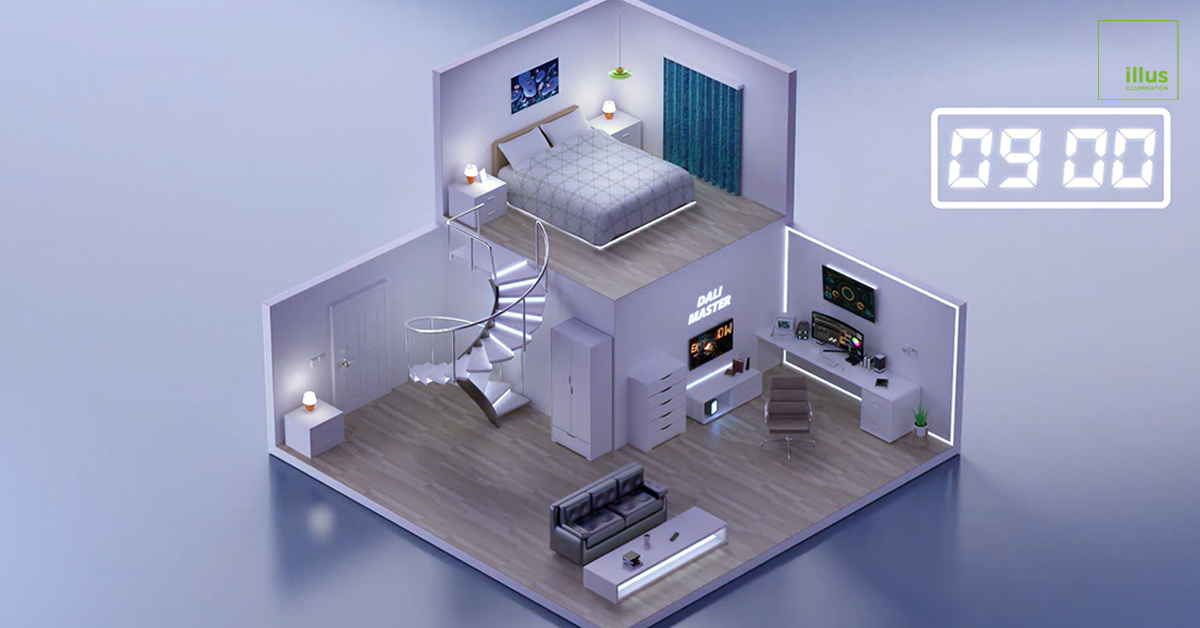
In the evolution of modern architecture and interior design, the way we interact with our environment is undergoing a massive transformation. The days of installing long rows of disjointed plastic switches on a single wall are rapidly fading. Today, centralized smart touch panels are swiftly replacing traditional switches, acting as the unified command centers for high-end residential and commercial spaces.
However, as this technology becomes a standard in luxury properties and modern offices, project managers and homeowners are asking a vital question: how do these centralized control screens actually perform in real-world applications? As a professional smart lighting manufacturer, illus lighting provides an objective analysis of the pros and cons of smart home control panels, helping you make informed decisions for your next architectural project.
The Pros of Centralized Smart Panels
Upgrading to a centralized smart screen offers significant advantages, particularly for spaces that require complex environmental management.
Aesthetic Decluttering
One of the primary reasons architects and designers prefer smart panels is the minimalist aesthetic they bring to a room. In a traditional setup, controlling lighting, underfloor heating, fresh air systems, and air conditioning requires multiple disparate interfaces.
A central hub, such as the Hypnotek Smart Touch Panel, integrates all these controls into a single Retina-level HD display. Crafted from 6063 aviation-grade industrial aluminum with an ultra-thin 9.5mm profile and AF anti-fingerprint coating, it replaces wall clutter with a sleek, elegant focal point.
Unified Control Experience
Advanced smart panels are the physical manifestation of the "One app solves everything" philosophy. Rather than navigating different systems for different functions, users enjoy a unified ecosystem. Beyond basic lighting and HVAC (Heating, Ventilation, and Air Conditioning), high-end panels can also support background music playback and video intercom capabilities. This high level of integration is particularly valuable for commercial IoT lighting solutions and hospitality sectors, where streamlining operations is key to a premium guest experience.
Customizable UI
Modern smart panels offer flexibility that traditional hardwired switches cannot match. Through features like the Hypnotek G-Link Configuration Mode, users and system integrators can fully customize button functions. If a room's purpose changes from a home office to a guest bedroom, the digital buttons on the panel can be easily reprogrammed to trigger different lighting scenes, such as "Focus Mode" or "Relaxation Mode," without any electrical rewiring.
Potential Drawbacks to Consider
To maintain an objective perspective, it is important to acknowledge that pure touch-based interfaces may not be universally perfect for every user or scenario.
The Learning Curve
For users accustomed to simple, single-function mechanical switches, transitioning to a digital control hub can present a slight learning curve. Navigating through multi-layered touchscreen menus to find a specific air conditioning setting might feel less direct initially than simply flipping a physical switch.
Lack of Tactile Feedback
Perhaps the most frequently cited limitation of pure touch screens is the absence of tactile feedback. Traditional switches offer physical confirmation when pressed, allowing users to operate them blindly in the dark. A smooth glass screen requires visual engagement, meaning you generally have to look at the panel to ensure you are pressing the correct digital button.
The Hypnotek Solution: Blending Touch and Tactile
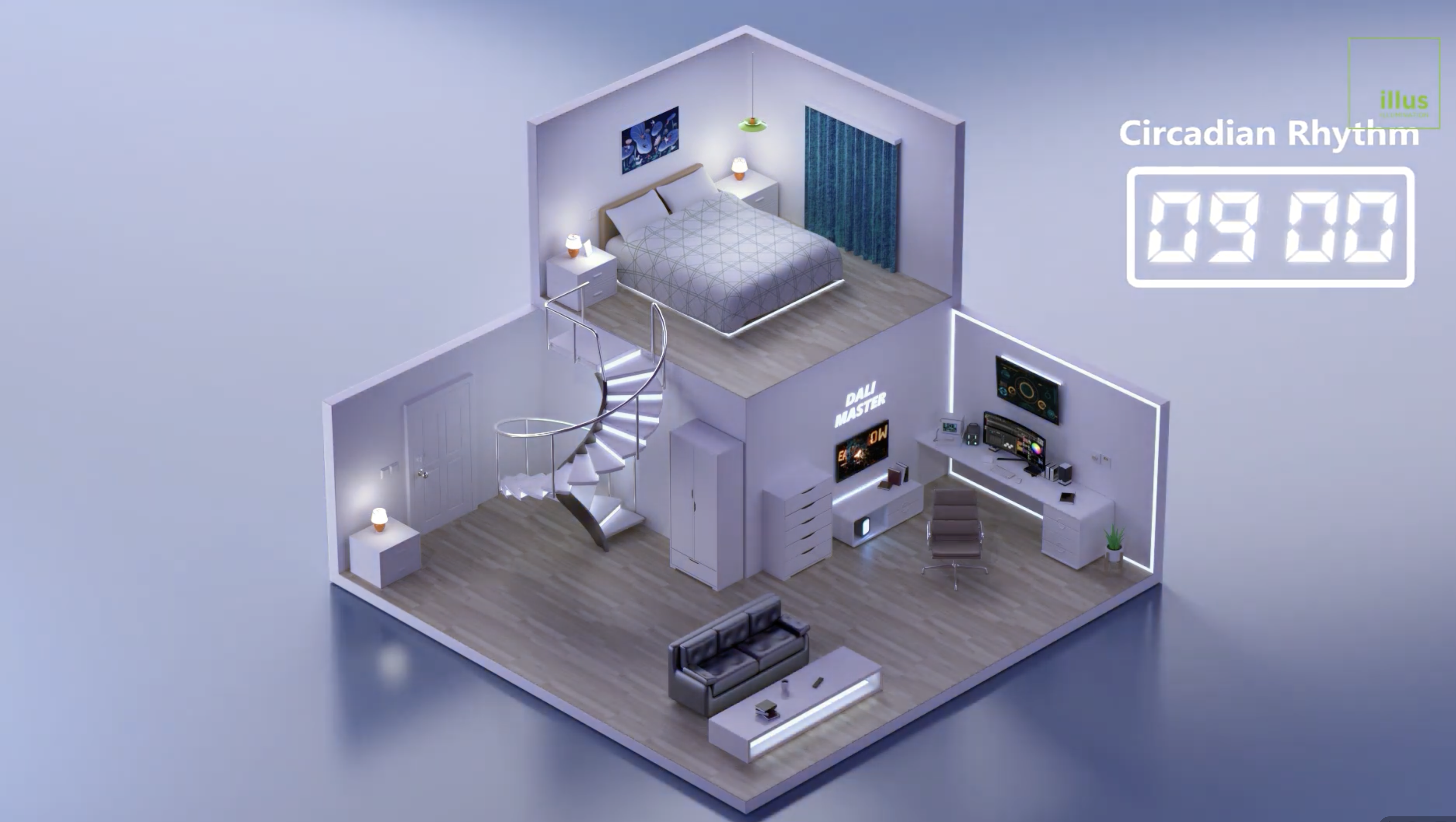
Recognizing these practical challenges, leading smart ecosystems do not force a "touch-screen only" approach. The most effective strategy for an integrated smart environment is blending centralized touch panels with tactile physical controls.
The Hypnotek ecosystem by illus lighting provides a balanced solution. While a 10.1-inch Smart Touch Panel might serve as the primary hub in a living room, it can be seamlessly complemented by traditional-feeling smart push-button switches or advanced rotary dimmers in other areas.
For instance, the Hypnotek DALI-2 Rotary Dimmer features an aluminum knurled knob that provides satisfying, dampened tactile feedback for precise brightness and color temperature adjustments. It also includes 4 programmable shortcut buttons and a personalized ring ambient light, perfect for bedside tables or dining areas where blind operation is preferred. By mixing touch screens for complex multi-system management and tactile switches for immediate, intuitive control, designers can create a flawlessly responsive environment.
Comparison Overview: Touch Panels vs. Tactile Smart Switches
|
Feature |
Centralized Smart Touch Panel |
Tactile Smart Switch / Rotary Dimmer |
|
Primary Advantage |
Integrates multiple systems (HVAC, lighting, intercom) |
Intuitive, blind operation with physical feedback |
|
Aesthetic Impact |
Highly minimalist, reduces wall clutter |
Classic, elegant hardware design |
|
Best Use Case |
Main living areas, entryways, conference rooms |
Bedrooms, bathrooms, dining room dimming |
|
Learning Curve |
Moderate (requires navigating a UI) |
Minimal (familiar physical interaction) |
Conclusion
Centralized smart touch panels represent the undeniable future of modern architectural control, offering unparalleled aesthetics and multi-system integration. However, the ultimate smart space relies on thoughtful layout planning. By combining the comprehensive power of a central touch screen with the intuitive feel of customized physical smart switches, property developers can deliver an optimal, user-friendly experience that caters to all habits and preferences.
Frequently Asked Questions
Q1: Can a centralized smart panel replace my air conditioning thermostat?
A: Yes. Advanced smart home control panels, like those in the Hypnotek ecosystem, are designed to integrate HVAC controls. You can manage air conditioning, underfloor heating, and fresh air systems directly from the panel's interface, eliminating the need for separate thermostats on the wall.
Q2: Are touch panels difficult to keep clean, given fingerprint smudges?
A: While standard glass can attract smudges, premium smart panels utilize AF (Anti-Fingerprint) coatings on their Retina-level HD displays to minimize marks and ensure the screen remains clear and elegant even with frequent use.
Q3: What is the G-Link Configuration Mode?
A: The G-Link Configuration Mode is a feature in Hypnotek systems that allows for fully customizable button functions. It enables integrators and users to define exactly what each digital or physical shortcut button does, such as triggering a specific lighting scene or opening smart curtains.
Q4: Do I have to use touch screens in every room of my smart home?
A: Not at all. A well-designed integrated smart environment blends different interfaces. You can use a central touch panel in the main living room, and install physical smart push-button switches or DALI-2 rotary dimmers in bedrooms or bathrooms for quick, tactile control.