.png)
.png)


.png)


Wireless Smart Switches for Home and Office Retrofit: No New Wiring Needed
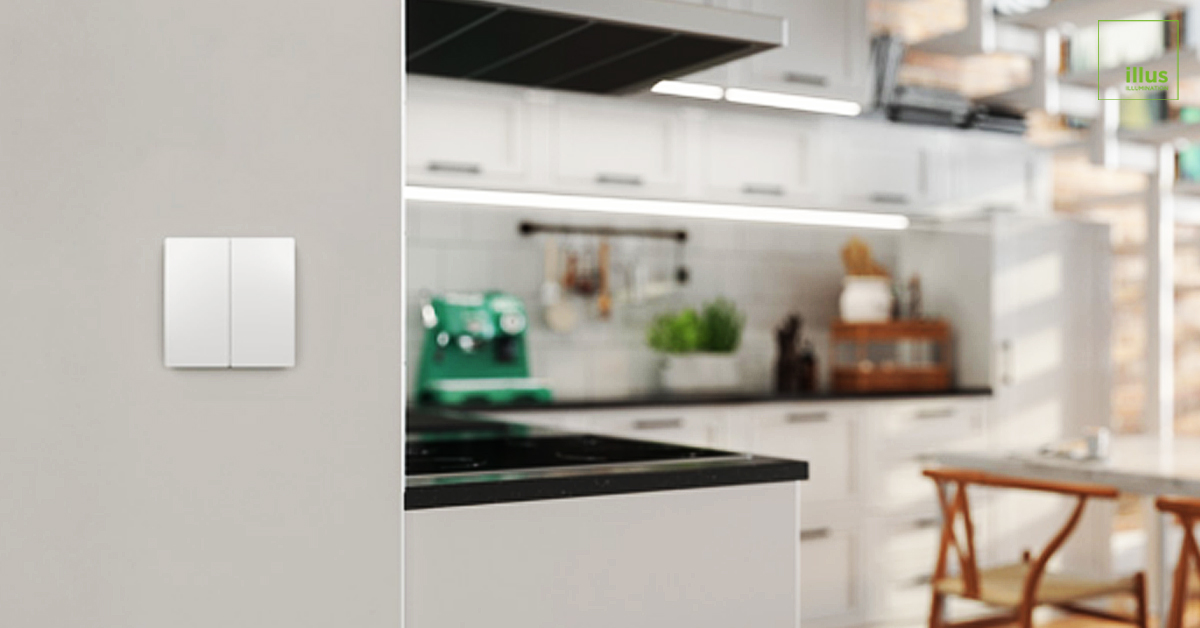
Running new control wiring for smart lighting upgrades often turns into an expensive and messy project. Traditional smart switches need power and communication lines, which usually means cutting into walls and ceilings. Wireless options remove that barrier entirely. You can add modern control points almost anywhere without electrical work, which makes retrofit jobs faster, cleaner, and far more affordable.
How These Switches Actually Work
Most wireless smart switches send commands using radio signals such as Zigbee or Bluetooth. What sets some models apart is that they generate their own power from the simple act of pressing the button. Kinetic Switch is a good example of this approach. It uses energy-harvesting technology so there is never a need for batteries or a connection to house power. That freedom lets you place the switch on glass, wood paneling, or even temporary partitions without any wiring at all.
Energy Harvesting Technology Explained
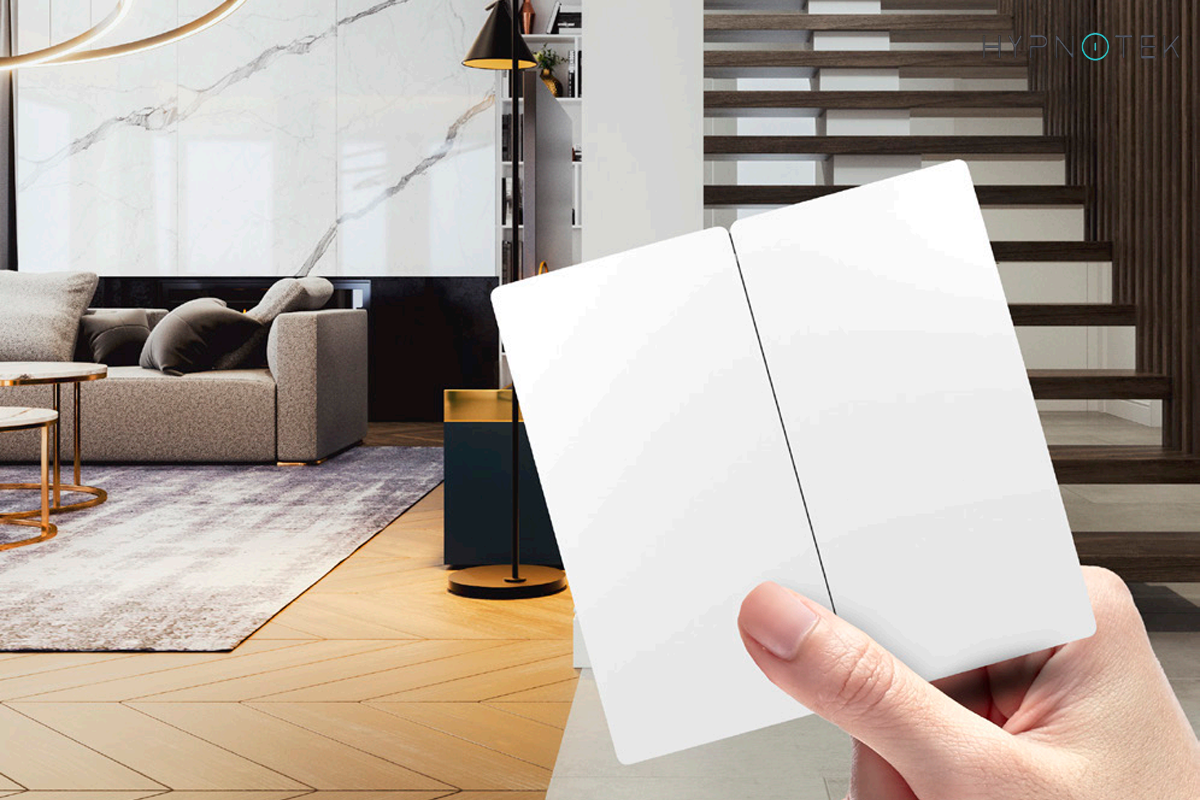
The mechanism inside these switches is surprisingly simple yet effective. When you press the button, a small mechanical generator converts that motion into a brief electrical pulse. This pulse is enough to power a low-energy radio transmitter that sends the command to the lighting system. Because the energy comes directly from the user action, the switch never needs external power or battery changes, which removes one of the most common maintenance headaches in wireless devices. Over time this reliability adds up, especially in homes or offices where switches see heavy daily use.
Why Installation Feels So Much Easier
Without wires to run, mounting takes just a few minutes with adhesive or a couple of screws. You can put the switch exactly where it makes sense for how people actually move through the space instead of wherever the old wiring happened to end up. Older homes especially benefit from this approach because you avoid the cost and mess of chasing wires through plaster or historic finishes. If the room layout changes later, moving the switch is usually just a matter of peeling it off and sticking it somewhere else. This kind of flexibility was almost impossible with traditional wired systems and changes how people think about lighting control during renovations.
Where These Switches Shine in Real Homes and Offices
People often add wireless switches in hallways, next to beds, or beside a favorite chair where no switch existed before. Open-plan living areas also benefit because you can control different lighting zones from several convenient spots without pulling new cable. Renters appreciate being able to take the switches with them when they move, and property managers like that nothing permanent gets altered. These small additions often make the biggest difference in daily comfort because they solve problems that people had simply learned to live with.
Residential Use Cases That Make a Difference
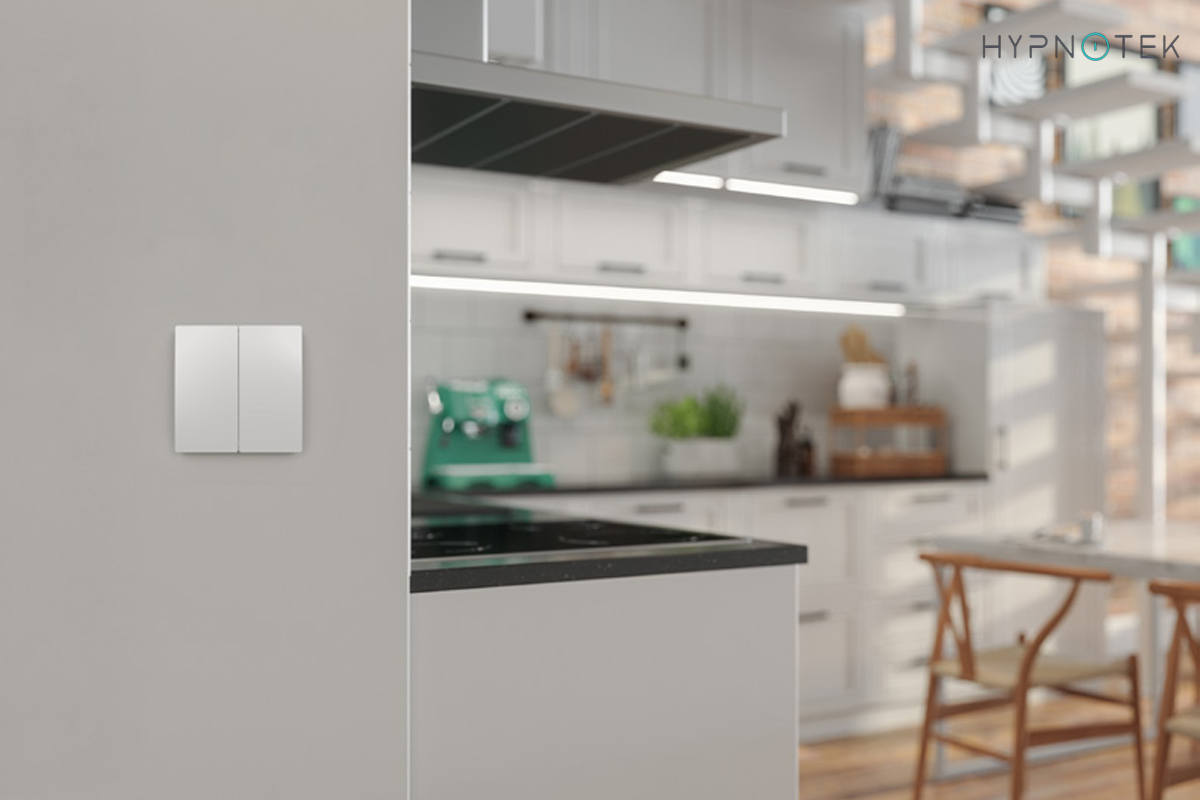
In homes, the biggest wins usually come from adding control in places that were previously inconvenient. A wireless switch next to the bed lets you turn off all lights without getting up. Another by the sofa makes movie nights more comfortable. Parents often appreciate hallway switches that can be reached from a child room without walking through darkness. These small conveniences add up quickly and make daily life feel noticeably smoother. Over time families often discover new uses they had not originally considered, such as controlling outdoor lights from inside or creating temporary scenes for guests.
Commercial and Flexible Spaces
Commercial spaces that get rearranged frequently find wireless switches especially useful. Conference rooms, co-working areas, and retail displays can gain new control points quickly without scheduling electricians or shutting down operations. The Kinetic Switch from Illus stands out here because it needs no batteries and presents a clean, professional look that fits public environments well. Facility managers appreciate the ability to add control points quickly without coordinating with electricians or disrupting daily operations. In spaces where layouts change every few months, this kind of flexibility becomes a real operational advantage.
How They Fit into a Larger Smart Home Setup
Many projects keep the original wired switches in place for basic on-off use while adding wireless units in more convenient locations. This hybrid method gives people maximum flexibility with minimal disruption. Over time, users can shift more and more control to the wireless side if they choose. The gradual approach also makes it easier for family members or staff to adapt to the new system without feeling overwhelmed.
When full integration matters, these switches pair cleanly with other Illus products across different protocols. The Kinetic Switch works alongside KNX panels for professional installations and Zigbee-based devices. Everything can be managed from one app or wall panel, so the whole system feels cohesive rather than like a collection of separate gadgets. This kind of ecosystem thinking is becoming more important as people expect their smart devices to work together without friction.
Where Wireless Switches Fall Short
Range typically tops out around 10 to 30 meters, and thick walls or metal can reduce that distance. Very large properties may need signal repeaters or a mesh layout to stay reliable. Some people also notice that kinetic switches need a slightly firmer press than they expect from a regular light switch, though most adjust to the feel within a day or two. Understanding these limitations upfront helps set realistic expectations and prevents disappointment later.
Security and Reliability Notes
Security deserves mention as well. While modern encryption makes interception very difficult in practice, high-security sites sometimes still prefer wired KNX systems from Illus for that extra layer of assurance. For the great majority of homes and offices, though, properly set up wireless switches strike a sensible balance between convenience and protection. Reliability has also improved significantly in recent years, with newer models maintaining stable connections even in environments with many other wireless devices.
Cost and Long-Term Value
Individual wireless switches often carry a higher sticker price than basic wired models. Yet the overall project cost usually ends up lower because you skip the labor and repairs that come with running new cable. Over five or ten years the picture improves further since there are no wires to degrade and no batteries to keep replacing. Many people find that the total cost of ownership for a wireless setup from Illus compares favorably with traditional wired smart switch installations. The savings become even more noticeable in larger properties or buildings that undergo frequent layout changes.
Quick Comparison of Switch Types
|
Aspect |
Wireless (Kinetic) |
Traditional Wired |
Battery Wireless |
|
Installation Cost |
Low |
High |
Low to medium |
|
Long-term Upkeep |
Very low |
Low |
Medium |
|
Placement Freedom |
Excellent |
Limited |
Excellent |
|
Ideal Situations |
Retrofits, rentals, flexible spaces |
New construction |
Fast, simple upgrades |
Conclusion
Wireless switches typically cost more per unit than traditional wired switches, but the total project cost is often lower because installation labor is dramatically reduced. In retrofit situations, avoiding wall and ceiling repairs can save thousands of dollars. The long-term maintenance cost is also lower because there are no wires to degrade and no batteries to replace.
Wireless smart switches have transformed what is possible in lighting retrofit projects. Products from Illuslighting make it practical to add modern control to almost any space without the expense and disruption of new wiring. Whether you are updating a single room or an entire building, wireless switches deserve serious consideration as part of your smart lighting strategy in 2026.